

Introduction
This guide will walk you through the process of generating a simple PDF invoice you can send to your customers. It will also explain all the configuration options available in the “Generate PDF” workflow step. PDF invoices are valid for tax regimes that don’t require e-reporting or e-invoicing, and serve as a useful example from which to create your own workflows. Once completed, the workflow will work with any GOBL invoice produced for any country in the world.Prerequisites
You’ll need the following data to issue basic PDF invoices:- Supplier details: fiscal details of the issuer.
- Customer details: fiscal details of who is receiving for B2B invoices.
- Items: list of products or services being sold, including quantities and prices.
- Taxes & Rates: knowing how these apply to each item.
- Series: a series is a counter with number formatting details to be able to generate a code.
Setup
Issuing PDF invoices with Invopop requires very little preparation. We assume that you already have access to the Invopop Console and know how to create a workflow.PDF Invoice workflow
Add to my workspace →
- Workflow
- Code
Configuration options
Once you have connected the “PDF Generator” app, you can configure the “Generate PDF” workflow step. The following options are available:Content section
Currency section
Currency formatting allows overriding the default currency formatting normally dictated by the document’s own currency.Workflow args
All configuration options above can also be set programmatically using workflow step args. This is useful when you need to dynamically override PDF settings per job via the API.Running
Use the following example GOBL Invoices inside the Invopop Console or via the API to create new silo entries. Once a silo entry has been stored, you can create a new job to run the “PDF Invoice” workflow you just created.B2B Invoice - United Kingdom
B2B Invoice - United Kingdom
A simple invoice for a VAT registered supplier in the United Kingdom
B2B Invoice - United States
B2B Invoice - United States
Simple invoice for a VAT registered supplier in the United States
Example PDF invoices
Select an example to open the full PDF.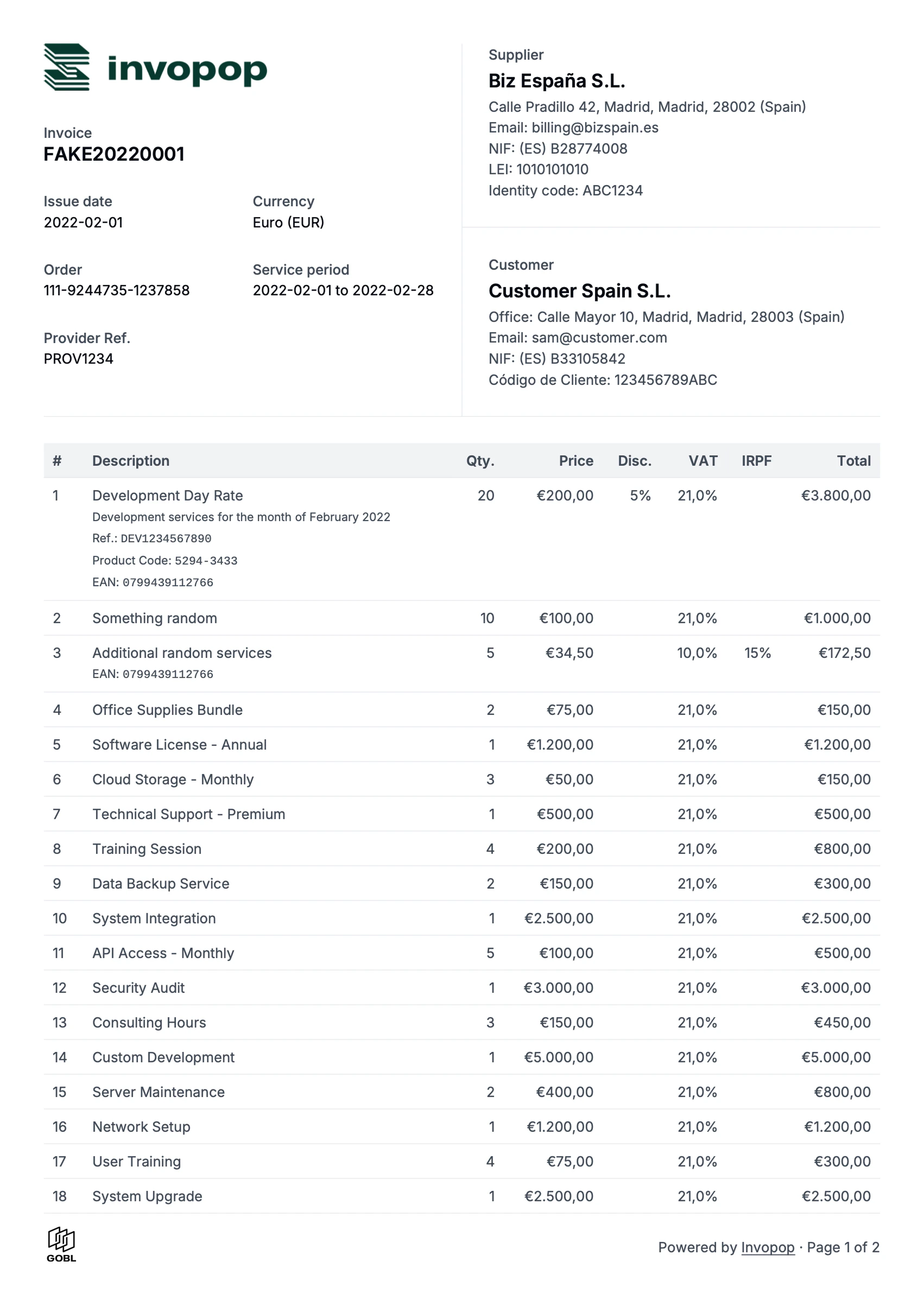
Complete invoice (en)
Full invoice with every section, in English
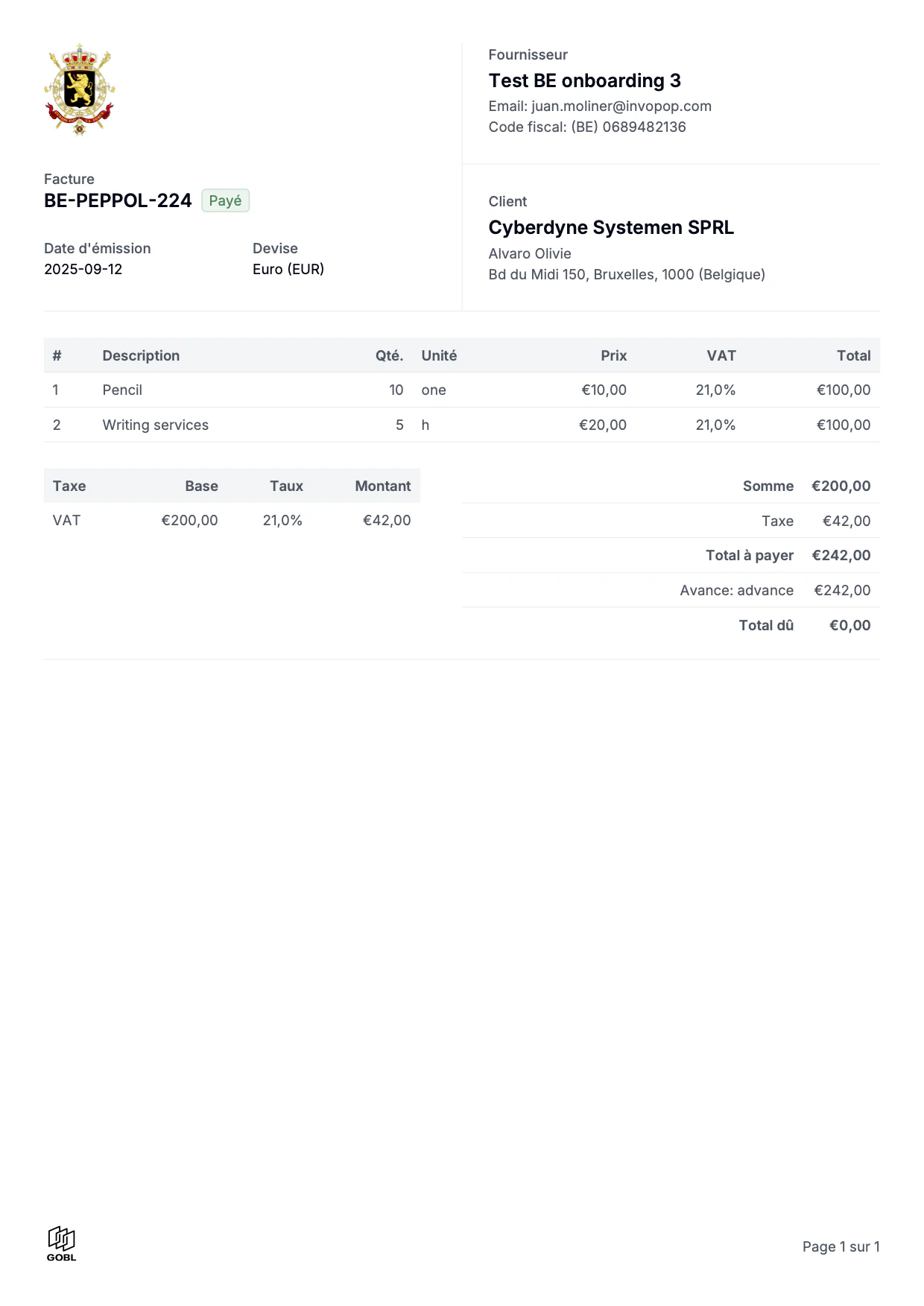
Belgian invoice (fr)
Localised for Belgium in French
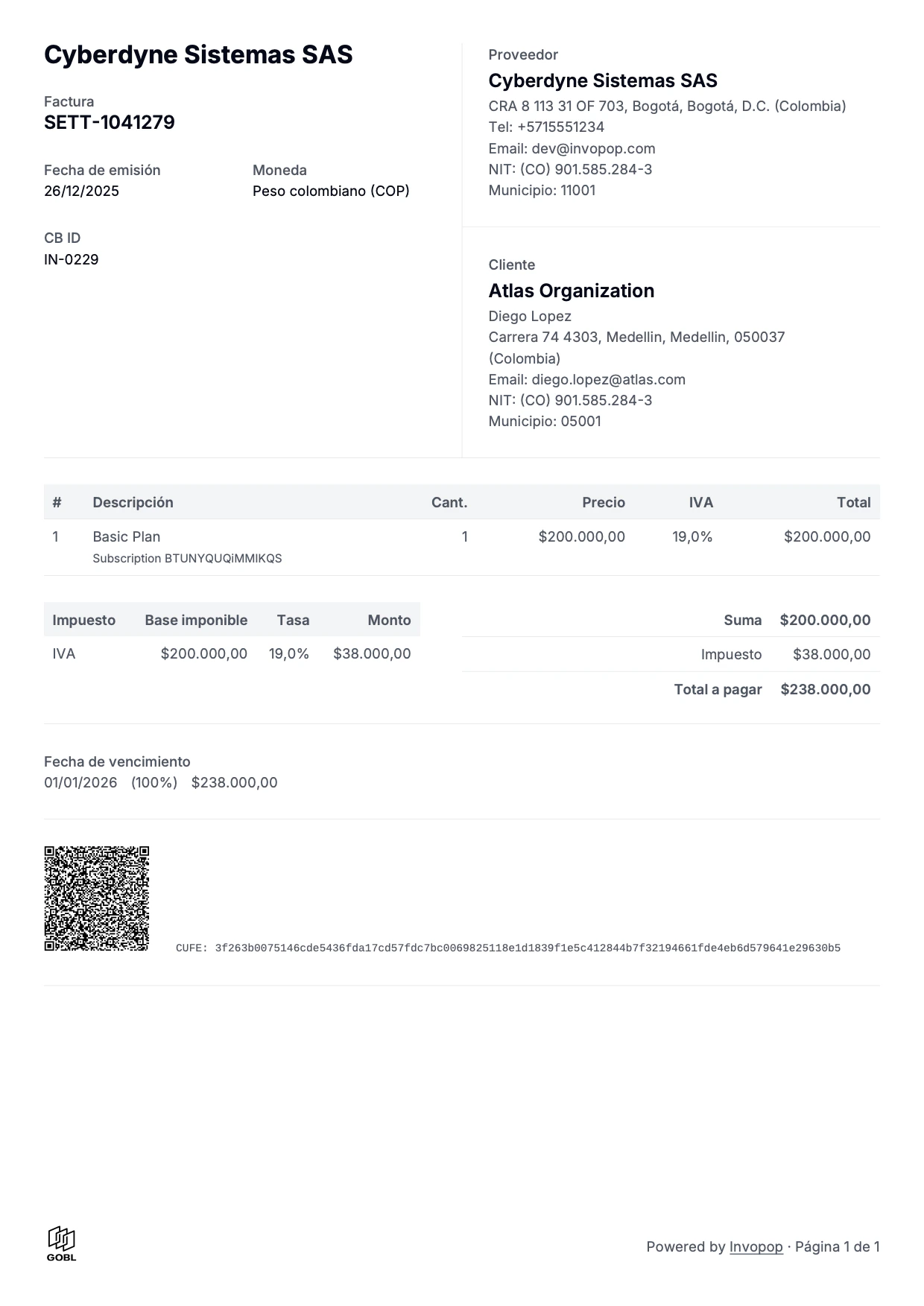
Colombian invoice (es)
Localised for Colombia in Spanish
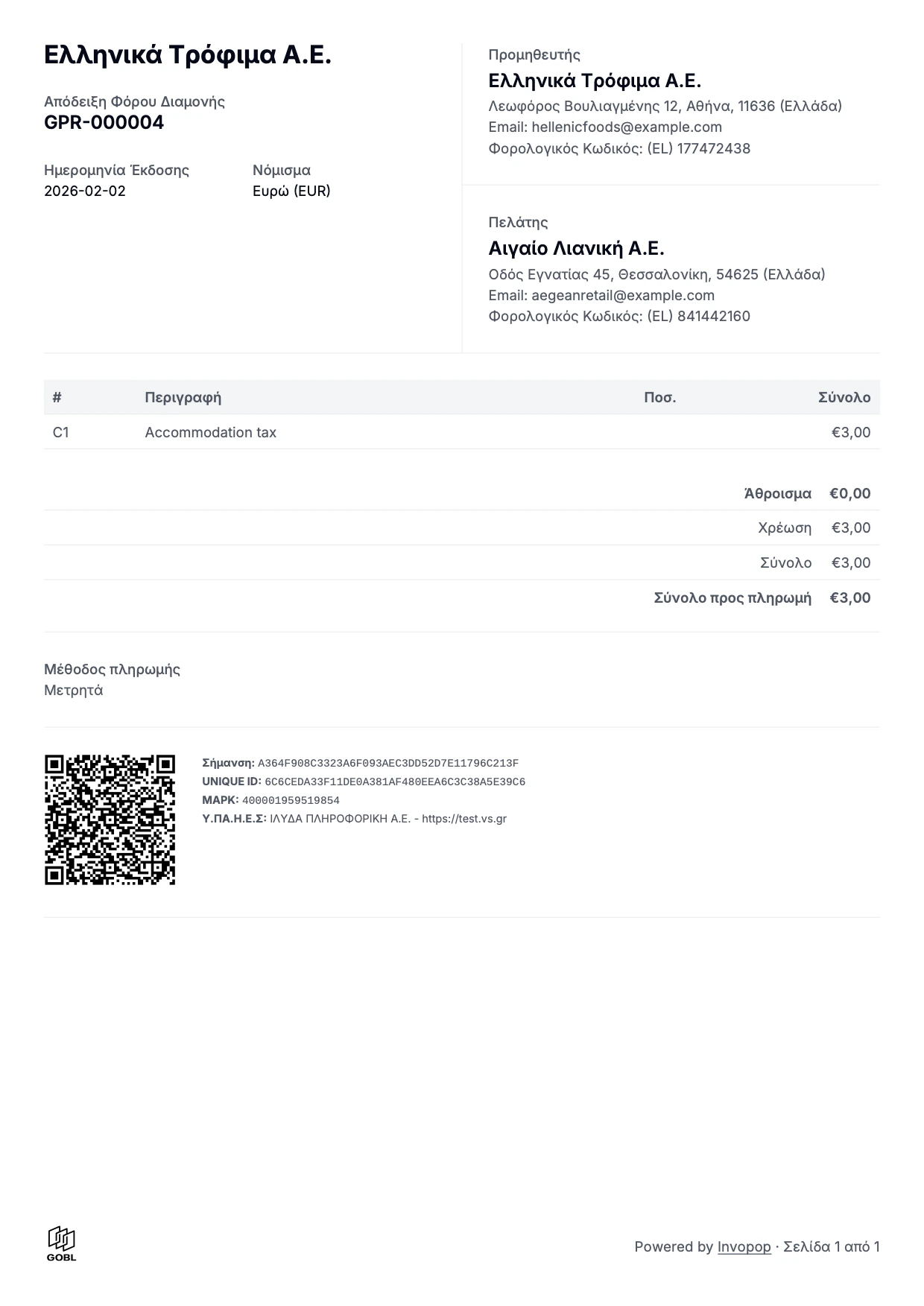
Greek invoice (el)
Localised for Greece in Greek
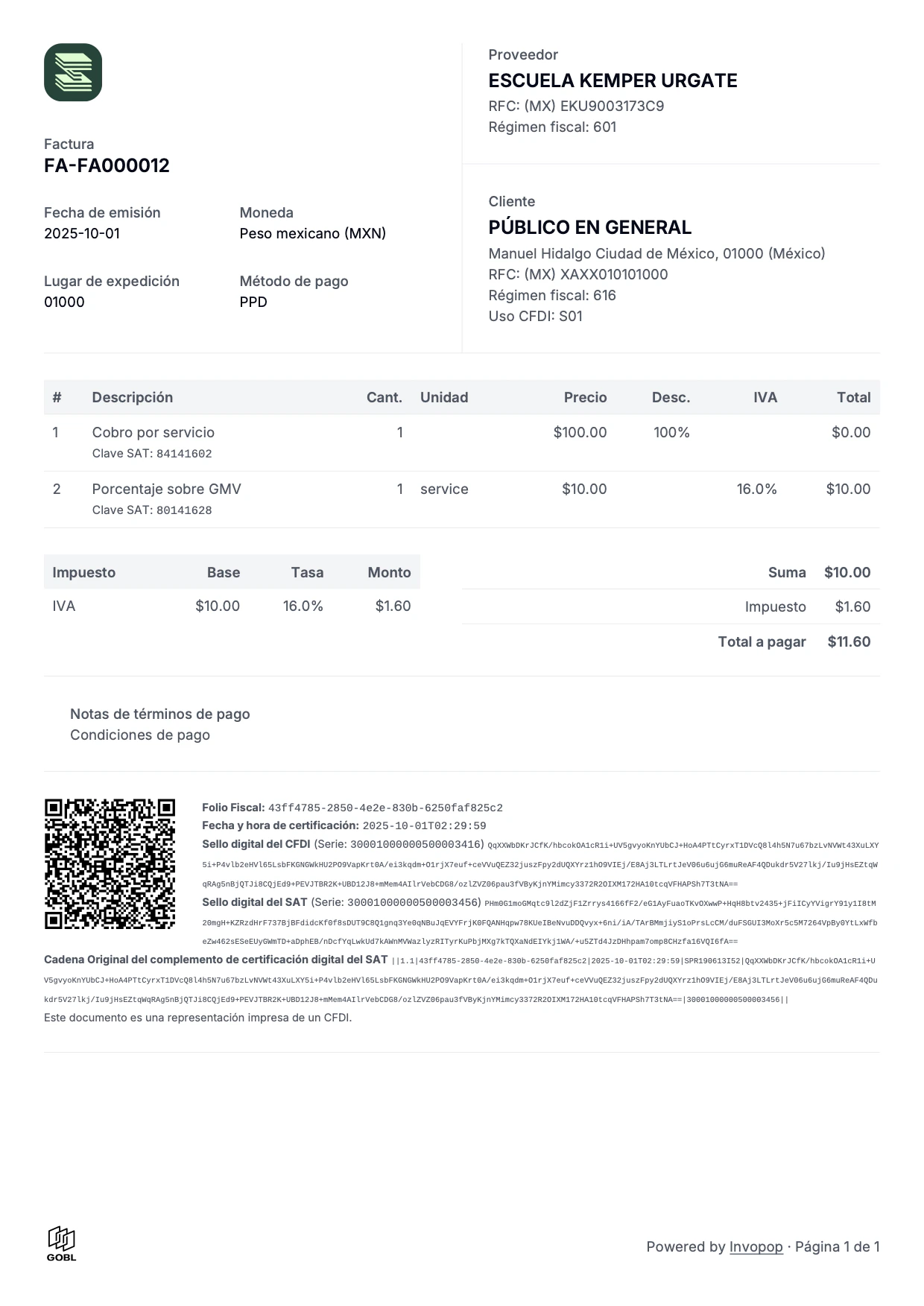
Mexican invoice (es)
Localised for Mexico in Spanish
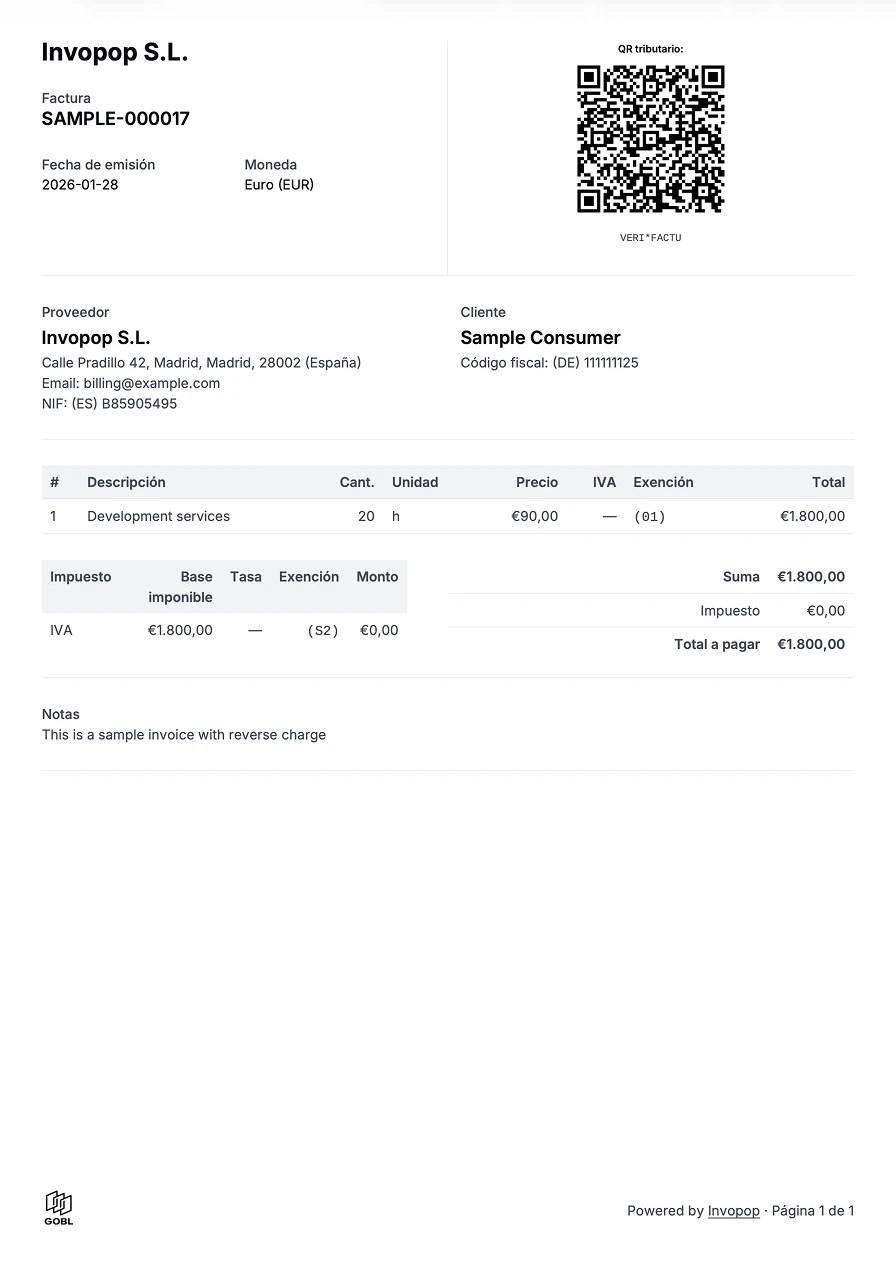
Spanish VERI*FACTU invoice (es)
Includes the VERI*FACTU QR code and legend
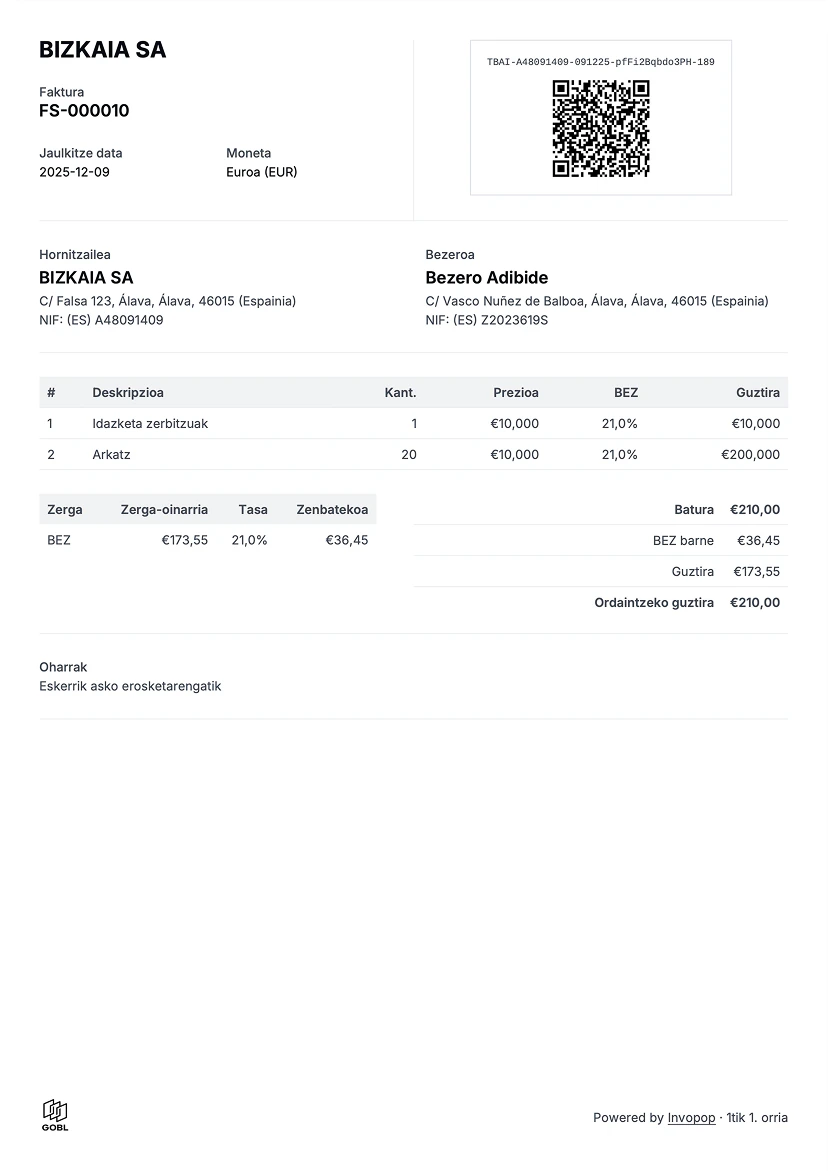
Basque Country TicketBAI invoice (eu)
Includes the TicketBAI identifier and QR code
FAQ
How can I add a different logo for each supplier?
How can I add a different logo for each supplier?
Add it to the supplier object within a If the logo is not displayed, make sure your image is publicly accessible. Sometimes server restrictions prevent our services from accessing the image. A convenient way to verify that your image is publicly accessible is by asking an AI assistant “is this URL https://… publicly accessible?”.
logos array, the first logo in the array will be used. Make sure the “Generate PDF” step is not configured with a logo, as it will override the supplier’s logo.Why would I want to use adjustment invoices?
Why would I want to use adjustment invoices?
Spain, along with a very small selection of other countries like Poland, doesn’t officially recognise the concept of credit or debit notes. Instead they use the concept of corrective or adjustment invoices whereby the amounts are displayed as differences from the original document. The two main types are:
- Replacement Invoice (Factura Rectificativa por Sustitución) known in GOBL with the invoice type
correctiveand completely replaces any previous documents. - Adjustment Invoice (Factura Rectificativa por Diferencias) reflected in GOBL as either a
credit-noteordebit-noteinvoice type that appends to the previous documents.
Participate in our community
Ask and answer questions about PDF invoices →